CADbuildr Prototype
Design in the app
Describe a part, watch it build, then change a number in the code and it updates. Desktop for macOS and Linux today, with mobile on the way.
AI-native CAD as code. Design in the app, keep your projects in the Hub, or bring CADbuildr into Onshape, FreeCAD and your own AI agent.
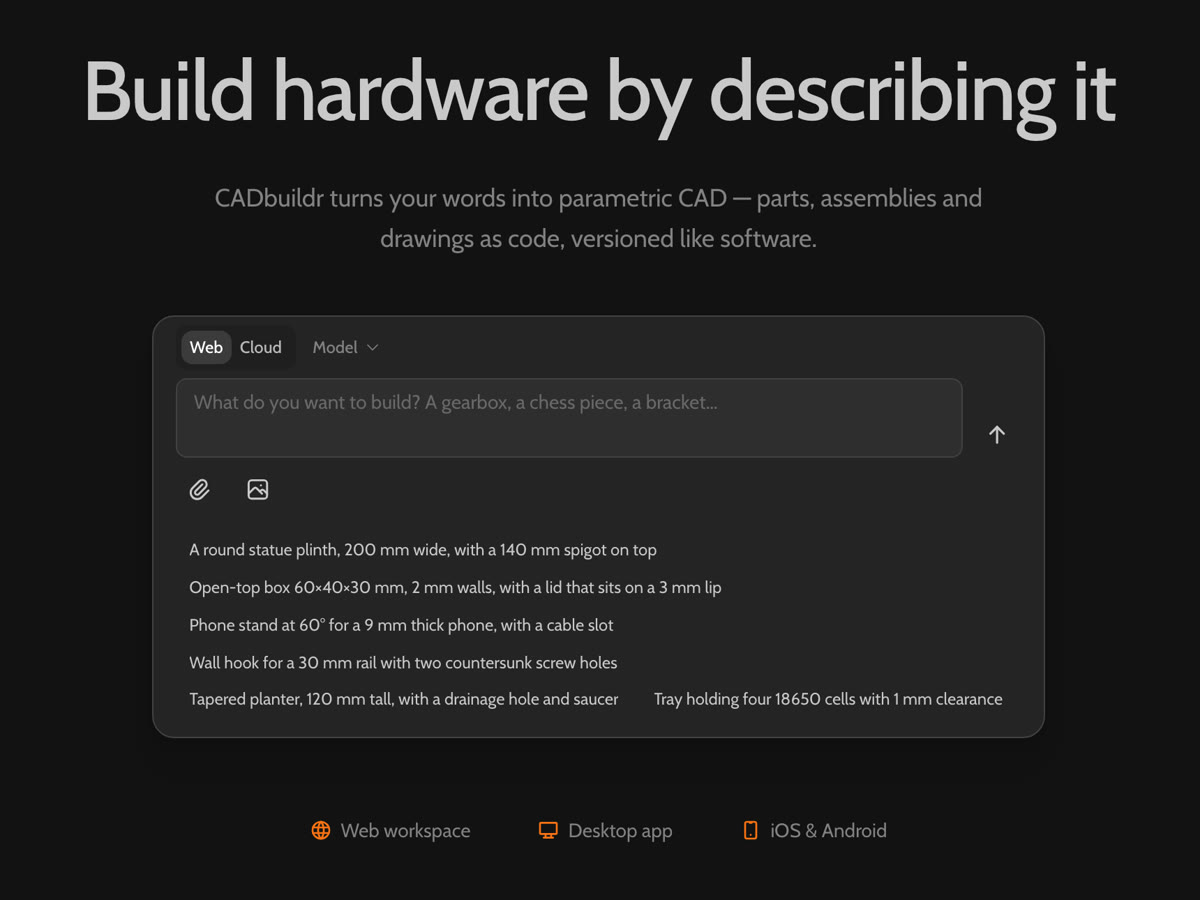
- Text to CAD: Describe your design in natural language, and the agent creates a corresponding 3D model.
- Image to CAD: Upload reference images or sketches to generate detailed 3D representations.
- Interactive Refinement: Iterate on your design through natural conversation with the agent.
- Editable Output: Access and modify the underlying CAD structure using CADbuildr's Foundation library.
- Works everywhere below: in the app, the Hub, your CAD tool and your own AI agent.
Made with CADbuildr
Desks, drawers, a pegboard of tools, a 3D printer and a robot duck. Every object was modelled in CADbuildr from an empty file, with open-source libraries.
Start wherever you work: the app, the Hub, your CAD tool, your AI agent or plain Python. Every part is code you can read and edit.
CADbuildr Prototype
Describe a part, watch it build, then change a number in the code and it updates. Desktop for macOS and Linux today, with mobile on the way.
Hub
Describe a part in the browser and it becomes a project with its code and history. Share it, fork other people's, and connect GitHub.
{
  "mcpServers": {
    "cadbuildr": {
      "url": "https://mcp.cadbuildr.com/mcp",
      "headers": { "x-api-key": "<YOUR_API_KEY>" }
    }
  }
}
AI agents (MCP)
Connect Claude, Cursor, Codex, Gemini or Mistral to CADbuildr over MCP and ask for a part in plain words.
Open source
Foundation is the Python library every CADbuildr part is written in. Use it on its own, with libraries for fasteners, woodworking, metal and electronics.
Developers
Edit the code in the Playground and the model updates live, with nothing to install. Use the Web SDK to put a CAD viewer in your own app.
Onshape (app) · FreeCAD (workbench)
CAD pluginsEarly access
Bring CADbuildr parts into the CAD tool your team already uses. They arrive as native features.
Hardware is hard. A big reason for it is that you have to start from scratch. Unlike large software companies, large hardware companies publish very little open-source hardware. This is because the software tools for CAD design use proprietary file formats. That is why we built CADbuildr. We believe that the future of hardware design is in building communities and sharing knowledge.
Your 3D files are now text files. This changes everything
Focus on where you shine, and reuse the rest. You don't need to redesign screws and bolts. Stand on the shoulders of giants and unleash your creativity.
Language models learn from language. Surf on the wave of AI to design better products.
No more waiting for your company to buy expensive PDM software. Sharing text files is easy.
Whether you're building large and complex products or just learning CAD, CADbuildr is where you belong. Start with the app, the Hub or a few lines of Python.